Uninstallation
When to Use This
Section titled “When to Use This”Use this procedure when you need to remove MuleSight from a space/site and avoid confusion for existing users.
Before You Uninstall
Section titled “Before You Uninstall”- Notify users that dashboard refresh, macro refresh, and ops publishing will stop.
- Capture key screenshots/exports if you need audit evidence.
- Decide whether to keep existing MuleSight-generated Confluence pages as historical records.
Uninstall Steps
Section titled “Uninstall Steps”- Open Confluence app management and uninstall MuleSight.
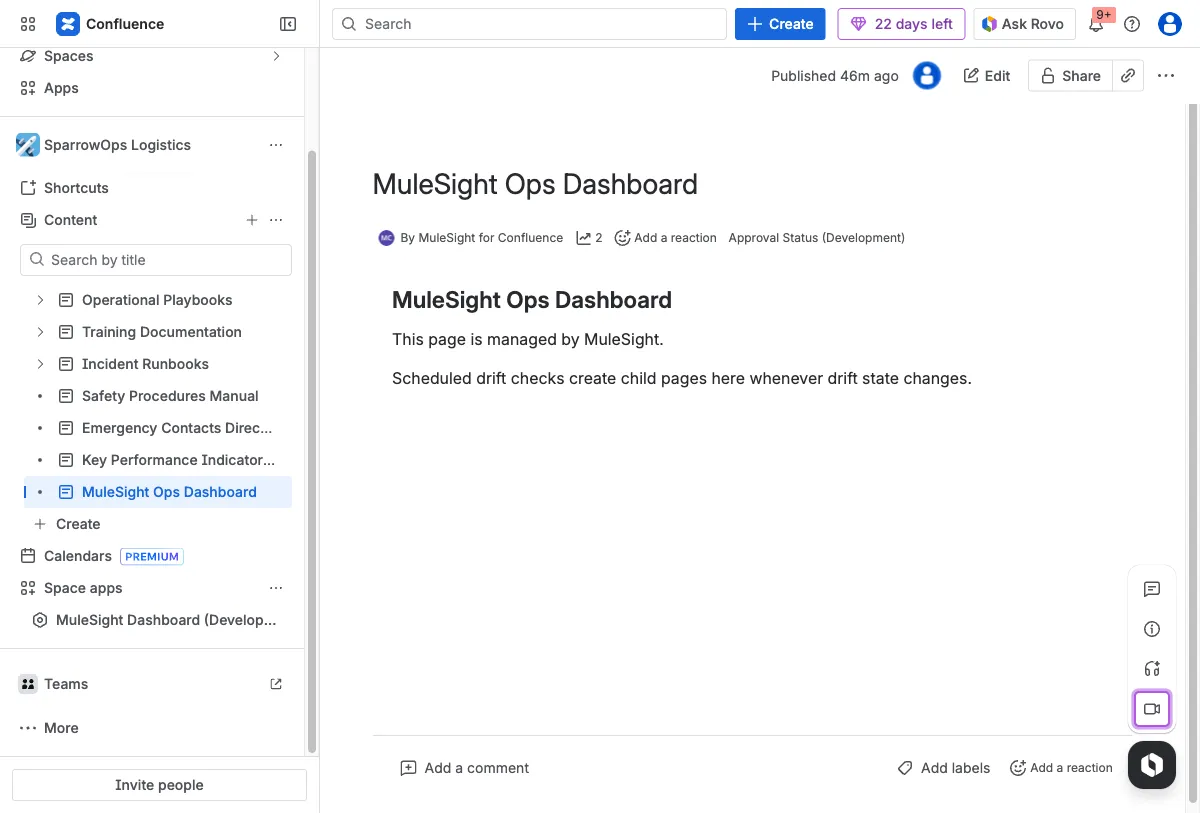
- Return to the space and verify MuleSight pages/macros are no longer active.
- Archive or keep historical ops pages based on your retention policy.
Expected Effects
Section titled “Expected Effects”- MuleSight dashboard routes stop rendering app data.
- Macro refresh actions stop returning fresh snapshots.
- Scheduled drift incident/resolution publishing stops.